10
| Jun 2010 |
Many writers seem interested in uploading their writing on Kindle. And no wonder. It's quick and easy way to make something too short and/or out-there for mainstream publishers available to readers and make some money on the side. You can also use it to promote your longer works — maybe post a short novella to tide your readers over between longer projects, etc.
 Unless you're a publisher with a distribution agreement with Amazon, you cannot give away your books for free. But you can price your stories for $0.99, the lowest price point for Kindle. A lot of people are willing to pay a buck for a quick read on their Kindle. But even for a buck, they want something that's nicely formatted.
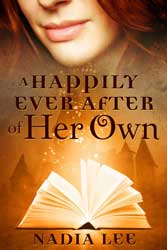
L. K. Rigel mentioned that my paranormal romance novella A Happily Ever After of Her Own was very well-formatted. So did Zoe Winters.
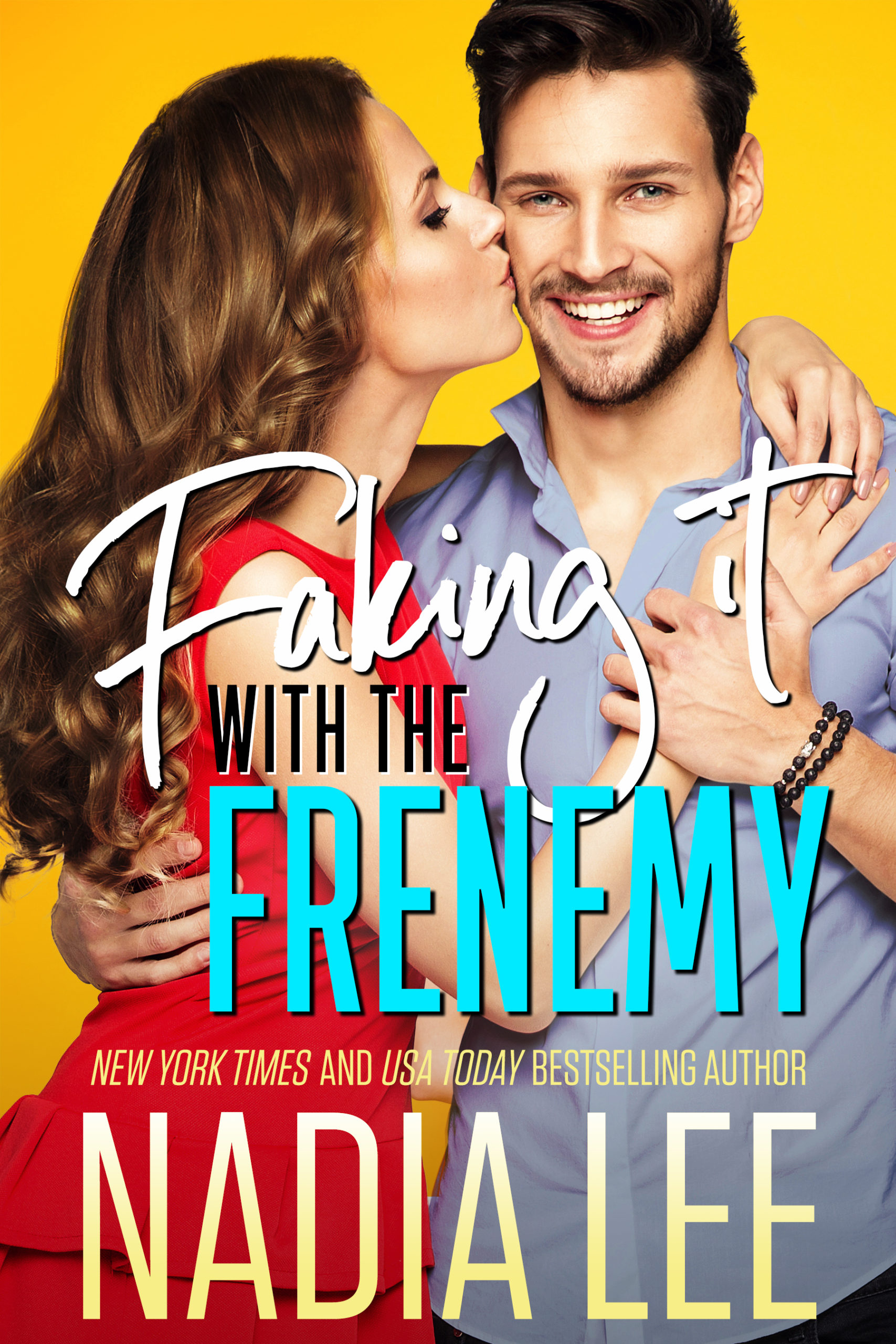
I used to offer an initial version of the guide for free, but I've made some improvements after having done three more conversions, one of which was a full-length novel. So I gathered all my code blocks, lessons learned and information on formatting for Nook (which has gained in popularity recently) and compiled them into one master file. You can get it from Smashwords if you like.
Hope you find it useful. If you have any questions, feel free to post them here.




































June 10th, 2010 at 2:36 am · Link
Wow! Very detailed instructions. Thanks! I’m going to save your post and give it a try later.
I put a few of my manuscripts on my Kindle. We used MobiPocket and basically just cut and paste into Notebook and saved as an html. My husband did this for me, so I’m a little blurry on the details, but we ended up with a pretty decent conversion. We did have a problem with some random double tabs. He figured out that the tabs were correct whenever I pressed return, then tab, then wrote my paragraph, but that when I pressed return, and Word automatically tabbed, it added in some code that did a double tab.
Soooo, I went through the manuscript and fixed every single one of those automatic tabs (with the find replace). Anyway, all of this to ask: when you converted your files, does this coding and WordPress thing remove all that double tab nonsense? Do these instructions make the converted file pretty much perfect?
Again, thanks for the detailed instructions!
June 10th, 2010 at 6:18 am · Link
Hey, Nadia, thank you for sharing this!!!
I’ve been using the Smashwords Style Guide.
I don’t think my formatting is “ugly” but… it’s not as great as it could be. It’s not been something that has interfered with reader enjoyment (that I’m aware of since no one has mentioned it).
But it’s not gorgeous either.
Being the Type A person I am, you know I always want to improve on things.
I will definitely bookmark this and look into using this method for Kindle.
Thanks again!
June 10th, 2010 at 11:59 am · Link
Fantastic! thank you so much. I’m going to put a link to this post on my website, if that’s okay.
June 10th, 2010 at 1:05 pm · Link
Sandy,
I have no idea since I don’t know how you format in Word.
I never use tab key in Word. It’s set to create indentation automatically.
To check for your own setting, start Word.
Right click.
Select PARAGRAPH.
Look for “Indentation” (2nd section from the top)
Choose the following options —
Left: 0
Right: 0
Special: First Line
By: 0.5″
Whatever I type w/ that setting converts perfectly.
June 10th, 2010 at 1:07 pm · Link
Zoe,
I don’t think it’s fugly or get in the way, but I hate it that there’s no page break before each chapter, and there’s no cover image in the book. I really like looking at covers (I’m pretty visual).
Anyway, that’s why I don’t think Smashwords guide makes a well-formatted Kindle book.
June 10th, 2010 at 1:07 pm · Link
LK —
Of course! Feel free to link to this. :-)
June 11th, 2010 at 1:23 am · Link
awesome, thanks!
I love this layout, esp starting a chapter on a new page and having the cover inside the file.
It makes me wonder if you could put other images in the book…wouldn’t it be great to have illustrations!
June 11th, 2010 at 2:35 am · Link
LK — You’re welcome! I love having a page break before each chapter. It makes me feel like I’m reading a well-formatted print book (almost). :)
I’m not sure how to insert images yet. I’m sure there’s a way. I just don’t know how. Also I think illustrations can be difficult because if people change their font size, etc. maybe it changes where the illustrations go…? Hmmm.
June 11th, 2010 at 11:36 pm · Link
Thanks for info. Nice to know how certain things are done in order to understand the process.
Thanks again
June 24th, 2010 at 12:54 am · Link
Hi Nadia,
I’m just saying thanks for posting this. I probably won’t use it, but I appreciate the fact that it’s here. (Okay, that may be weird, but it’s useful info so I need to say thanks!).
June 24th, 2010 at 1:53 am · Link
Hi Renmiu — You’re welcome!
Carly — No problem! If you ever want to use it, just stop by. :)
July 7th, 2010 at 1:42 am · Link
Hey Nadia, thanks! This is great! I know code, but I was very curious about design from a cost-saving standpoint, as I had no idea how others were doing layout for the Kindle.
July 7th, 2010 at 2:18 pm · Link
Persephone — you’re welcome! Kindle layout design doesn’t have to be fancy, esp. since many people change font size, etc. to suit their purpose. After all, that’s the beauty of e-books. :)
July 20th, 2010 at 10:51 am · Link
I don’t suppose you have any hints for mac users!
July 20th, 2010 at 2:04 pm · Link
You can format the html file and see if you can find something that’ll convert to mobipocket for Mac. (or give it to somebody who can do it for you)
If you have an Intel Mac you can install Windows on it, provided that you have the OS CD.
October 12th, 2010 at 4:23 pm · Link
Hi,
I am trying to create some Kindle books using the Mobipocket creator and everytime I make the ebook file (which has images in it) it adds a duplicate set of all the images either at the beginning or end of the file. Is it supoosed to do that? Do those duplicates go away when you upload the file to Kindle or am i doing something wrong?
I can’t find any mention of this problem on any forum or elsewhere.
Help a fellow writter out?
M.Scott Verne
October 12th, 2010 at 5:49 pm · Link
I’ve never had this problem, so I don’t know how to resolve it. :( Sorry.
October 13th, 2010 at 4:32 am · Link
Thank you very much for your detailed instructions!
To say thanks, I bought your ebook!
October 13th, 2010 at 2:04 pm · Link
Thank you so much! :)
October 19th, 2010 at 2:39 am · Link
Thanks for your detailed description. Just one thing. Should I type my document in double or single line spacing?
Guin
October 19th, 2010 at 12:32 pm · Link
Guin,
It doesn’t matter how you type your document in Word. So use whatever line spacing you prefer when you type. :)
October 21st, 2010 at 6:47 am · Link
Thanks, Nadia,
Guin
November 22nd, 2010 at 12:08 pm · Link
Great helpful post. Thank you!
November 28th, 2010 at 12:17 pm · Link
VERY helpful article. Thanks so much for taking the time to write it.
November 30th, 2010 at 2:14 pm · Link
You’re welcome, Guin, LB & BJ!
December 1st, 2010 at 9:10 am · Link
So happy to have found your helpful article. I’m going to give this a try. The first eBook I uploaded I have to take down from Kindle – formatting issues.
QUESTION – The editor I use on my iMac, TextEdit, does not have a SAVE AS ALL FILES. I can select html, RTF, .doc and some others.
Which do you advise?
Hope to get back with a GREAT report!
Thanks.
December 1st, 2010 at 9:46 am · Link
Oops. Two more questions: 1- what is the scene break you refer to? and 2 – how do I Tweet your article? I know how to manually but have I missed the little Tweet icon? This could help so many authors!
Chapter 1 of just 10 for eBook number 1 went as smooth as silk Nadia!
December 1st, 2010 at 12:24 pm · Link
Had to use my Windows laptop to be able to do all of this but Nadia, it worked! Thanks so much for your post and guidance.
December 1st, 2010 at 10:37 am · Link
Patricia,
I’d choose html.
The scene break is the line or little mark that lets readers know that there’s a change in scene or something. (You can see them in print books as big blank space and/or little symbol.)
As for Tweeting my article, there’s a little tweet button at the end of the blog post (before you get to the comments) you can use. Thanks!
December 1st, 2010 at 12:31 pm · Link
Excellent! Good luck with your Kindle venture!
January 7th, 2011 at 4:01 am · Link
Hi Nadia,
I’m using this post to help me format my first title for Kindle DTP. I’m particularly thankful (so far) for the advice on integrating Mobipocket Creator and Kindle for PC into the workflow. I’d been working with HTML and viewing it in a browser, but by confidence in that methodology was low.
Two questions:
1) What method (if any) do you use to add blank spaces to your pages? I know enter/return is wrong, and I’ve used the break tag before, but I’m not sure what’s considered best practice for Kindle.
2) Filling out the metadata in Mobipocket is very much like filling out the publishing form on the KindleDTP site itself. Does the data from the file get written to the Kindle DTP site, or is that separate? (What I’m really asking is whether I have to worry that one might overwrite the other.)
Thanks,
Mark
January 7th, 2011 at 2:00 pm · Link
Awesome post, thanks so much, I wasn’t keen on learning kindle specific coding.
January 7th, 2011 at 5:11 pm · Link
Mark —
I’ve just re-entered all the data on the Kindle DTP site. I always enter the metadata in Mobipocket in case I want to use the resulting file to create an ePub file (conversion).
As for entering blank spaces — I use the following code:
<br />Each one is one line break.
January 15th, 2011 at 2:00 am · Link
Nadia,
Thanks for your reply — it was a big help.
I think I’ve managed to navigate the Kindle formatting process (along with a POD version of the same text, which became crazy confusing at times).
Two related notes that might be helpful to you or others:
* Before submitting my text I found it helpful to use Amazon’s previewer, which can be found here (scroll down to download):
http://www.amazon.com/kindlepublishing
That app gave different feedback than Kindle for PC and other apps I had been using view the html file, and came recommended by DTP customer service.
* Based on the way the text looked in the previewer, I added a non-breaking white space ( ) immediately after each page break so that any break instructions after a page break would be recognized.
Thanks again!
January 15th, 2011 at 2:53 pm · Link
Mark,
You’re welcome, and I’m so happy I was able to help you. :) And thank you for the Amazon previewer link and tip re: adding a blank space!